Photo by Smithsonian on Unsplash.
Introduction
What follows is a short introduction about my digital AI environment I build over my summer: Atlas.
My personal note-based database — a collection of maps that together show the whole picture — and everything a digital agent needs to help me operate it.
Atlas is built over the summer of 2026 as an update to my personal knowledge management system (often named ‘second brain’) with three goals of the update:
- implementing all my learnings on information management and project work over the past years;
- doing the necessary cleaning that is required every few years or so;
- fully implementing the power of modern AI agents.
I had a few design requirements:
- I need to be able to work in it with an AI agent;
- the full system should be able to run locally, independent from any external provider. I am allowed to use third parties - they are great! But I should not be locked in their product. If I don’t like the direction a company is going, I want to be able to switch easily;
- I want to interact with the system through multiple devices (so laptop & mobile access the same system), and I want to interact via text and voice;
- it should be as simple as possible.
Atlas has allowed me to organise everything about my life that needs digital organisation within a single folder on my computer + an AI agent ready to help me with anything that has been set up to be able to run completely local, independent, and on multiple devices (laptop + mobile have the same atlas environment). I have been using it intensely over this summer to fine-tune its design and to learn how best to interact with it.
Using Atlas is teaching me a lot about when AI should and should not be used. One insight I’d like to share upfront: often, in my experience, using less AI is better. One of the biggest risks of organisation is over-organisation, and one of the biggest risks of using AI is over-generation. So systems like atlas are prone to get overcomplicated (complex even) and over-populated (messy). The goal is to get more grip on my (digital) life, so therefore using AI should not generate information that I am not aware of. Over some months of practice I think I have been able to keep Atlas and its AI agent use optimally simple and effective.
Why do I take the effort to write this down? I share because I believe it is important that knowledge does not get centralised. Sadly, progress is currently going as fast as some few individuals want it to be. And I believe that in order to keep power balanced, the whole population should be educated about this powerful new technology we call artificial intelligence. With this blog I hope to spark some understanding on how AI can be used and implemented in bigger systems.
Want to fully implement this system for yourself? Reach out to me - I’m happy to help and in the process I’ll document it here for future readers.
Enjoy reading!
Fundamentally, Atlas is a folder with notes
The notes are simple markdown files
In order to keep things simple and independent from third parties, I had to work with basic digital files. Think about it, even using a simple Word file already locks you into Microsoft’s Office 365 ecosystem. So I went for the good old markdown file. It is a simple file of text with few formatting options like bold, italic,
- bullets
- numbering
or headings
…and then you have had already a significant amount of the markdown formatting options! And I believe this forced simplicity is great to have! The more I have organised in my life, the more I believe the best organisation is done through minimal bullet point lists with minimal words. This minimalist approach has been confirmed by Andrey Karpathy, one of the world’s most famous AI scientists1.
And these notes are organised in a folder
The folder is (of course) called “Atlas”.
And this is the folder’s structure:
_to_delete
$Temp
├── 0-ai-harness
│   ├── memory
│   ├── practices
│   ├── constitution
│   ├── vocabulary
│   └── devices
├── 1-thinktank
│   ├── external-knowledge
│   ├── journal
│   ├── observations
│   └── writings
├── 2-lifehub
│   ├── know-thyself
│   ├── health
│   ├── financial
│   ├── professional
│   ├── life-planning
│   ├── lists
│   └── lifehub
├── 3-projects
│   ├── archive
│   ├── active project 1
│   ├── active project 2
│   ├── ...(I have about 15 projects currently, of which 5 are dominant)
├── attachments
└── inbox
README
I have spent significant iterations on this folder structure. I found that it is the most minimal yet complete organisation for the way that I work. It’s based on many years of using a second brain and consists of 4 main categories:
- Thinktank: here I develop my thinking through external resources (books, podcasts, presentations); journaling; and writing (for me these consists of observations and more long-form writings)
- Lifehub: here I store information about myself. See it is as a filing cabinet for my personal life.
- Projects: place for all my work2, the stuff that is not about myself but I am executing in the outside work. Here is place for professional projects, hobby projects, relationship projects, health projects… When the project is finished, it moves into the archive folder.
And first but not least: 0. AI harness: this folder is all the context my AI agent needs to perform exceptional and personal to me. Where the other three folders it is best that I do most work in the notes manually myself, in this folder I let the AI loose and basically create its own frame it needs to function well.
Additionally, there are two utilities that are not folders:
inbox/(staging, triage weekly); andattachments/(Obsidian writes pasted images here).
The ideal folder structure is probably highly personal
My structure has grown over years of experience and iteration, and (I assume) is highly personal. If you want to figure out your own structure, I can advice these principles:
- no organisation is perfect
- an organisation grows. Don’t try to think of the perfect one at ones, but let it grow through usage
- when in doubt, simplify
I interact with the (sub)folder(s) and its notes through Obsidian
The summer update started by switching from using Notion as its sole platform to local note files interacted with through Obsidian. I think in general Notion has lately been more focused on professional and teams, where Obsidian has always remained serving the private individual.
Obsidian is great. It’s whole thing is that it is based on Markdown, so all your files are stored in a folder on your device (laptop/PC/mobile) as .md notes. So whilst Notion is its own platform, Obsidian is more like a lens through which to view .md files on your own computer. This makes that I can fully enjoy the benefits of Obsidian (for free!!?!) but at the same time I am not locked in their product. If at any time I don’t like the direction Obsidian is going, all my markdown files are locally and I can easily switch to whatever at that point is the best alternative to interact with my local files.
It’s also a lot more minimalist. So no databases or anything like that. Just folders and bullet-point lists. You do have all sorts of plugins that let you add functionality (including databases, I reckon), but as stated before I do like the forced simplicity of sole markdown files.
Cloud synchronisation and access on multiple devices
To access Atlas on multiple devices, and to make sure that I keep my files in case my laptop explodes, I use cloud synchronisation. I use a combination of Proton Drive (European jay!) and some Obsidian features. If you want the details, ask me. I hope to publish them on my git repo soon.
Additionally, I do ~monthly manual backups. Just to have some version management in case I ever need it. I believe this is a bit of an overkill but I am doing it because 🙆.
Going into the weeds: how do I work with Atlas?
Manually is the way
I learned that it is best to work in the notes manually myself. The single thing with the highest learning curve has been to understand when to use an AI agent and when to do the work myself. Again, I’ve experienced that often it is best for myself to use my own intelligence. That way my biological brain also gets updated - quite important for things considering my own life. Stuff that doesn’t need to be in my own brain? (e.g., the code of a hobby project) I’ll let that be build by the agent!
This is important, so let me repeat. Atlas is fully operable by a digital agent, but it is mostly me who operates it. The agent is used for specific tasks where it is simply far more effective in execution than I am — bulk restructuring, routing, retrieval, verification. Not for thinking. I do the thinking through manual work.
This is not a philosophical preference; it is what usage taught. Two reasons it holds:
- My digital thoughts stay my own. A note I did not write is a note I do not know.
- The system stays legible to me. If I am the one who moves things, I know where things are.
Voice input
I have done this a bit hacky and minimal - but it works. I can record voice.
Atlas also has an AI agent (so atlas functions as a harness)
My agent interface is simply Claude co-work, linked to the folder atlas.
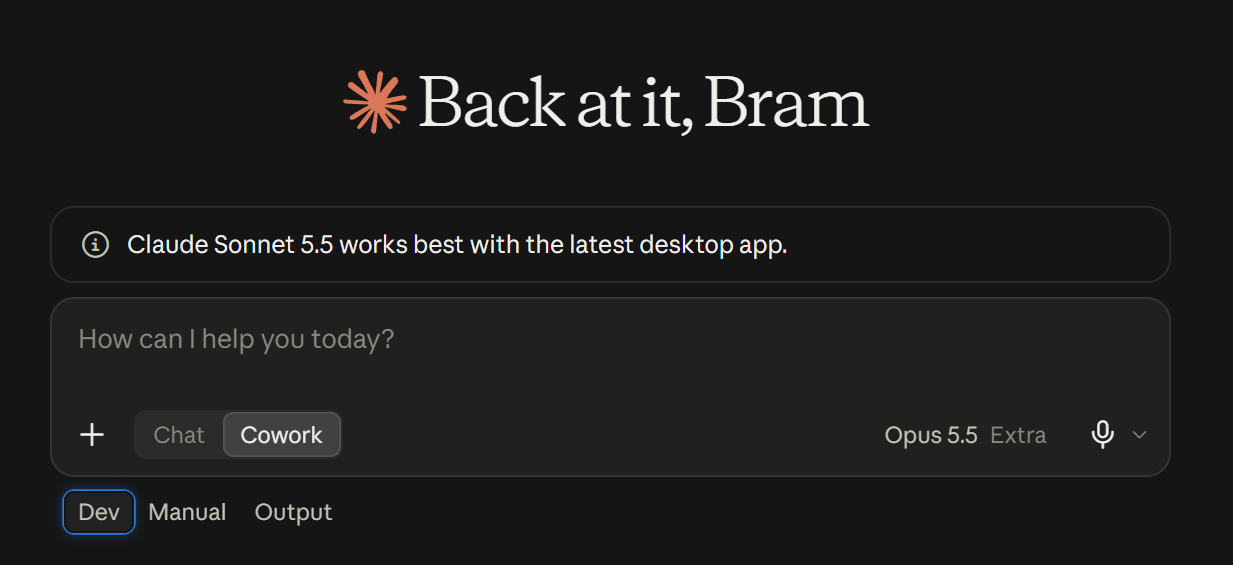
Over time (probably within 9 months) I want to switch to a self-hosted LLM. Then is a huge jump in privacy and independence, and I expect it won’t be too much of a quality cut because the local LLM can always reach for the Claude API when requiring big brain energy.
I do work with my assistant on my second screen
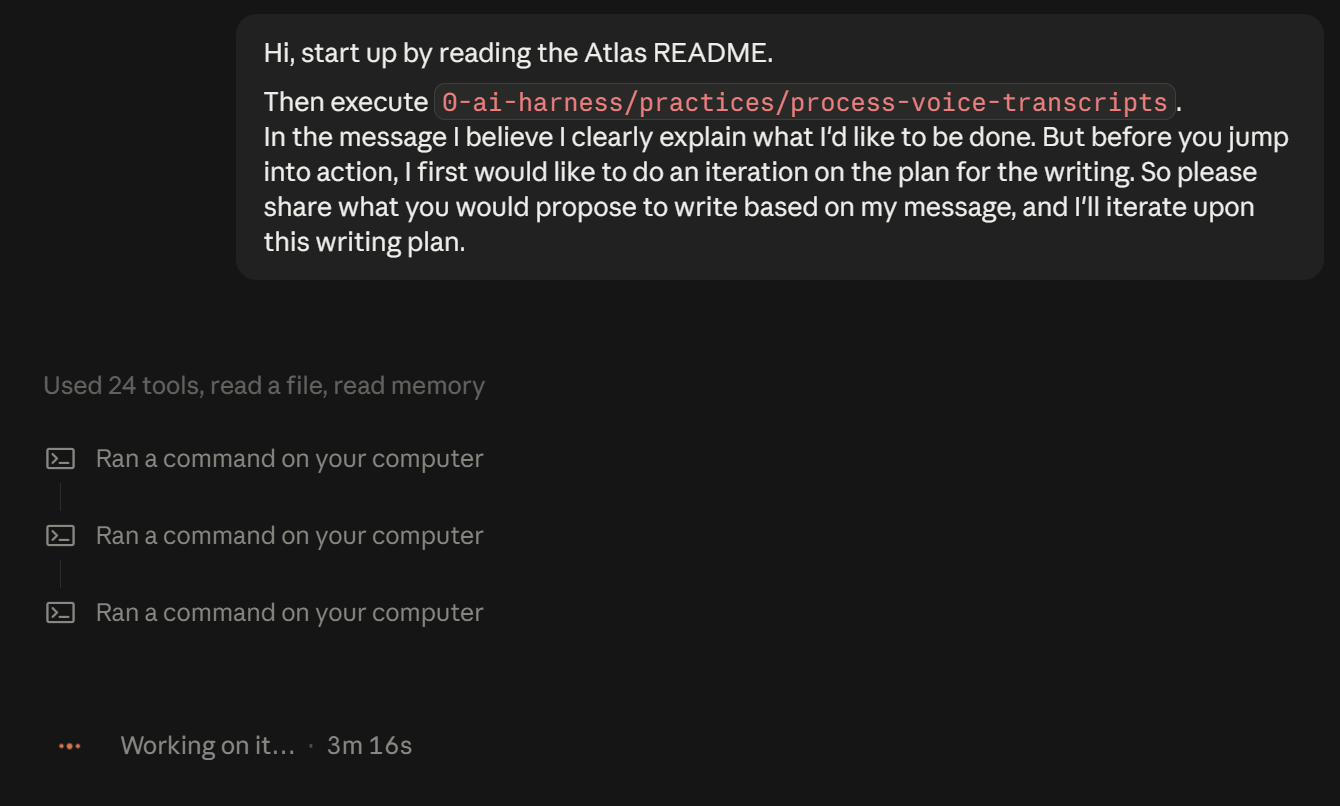
I have built systems and practices for it to operate smoothly.
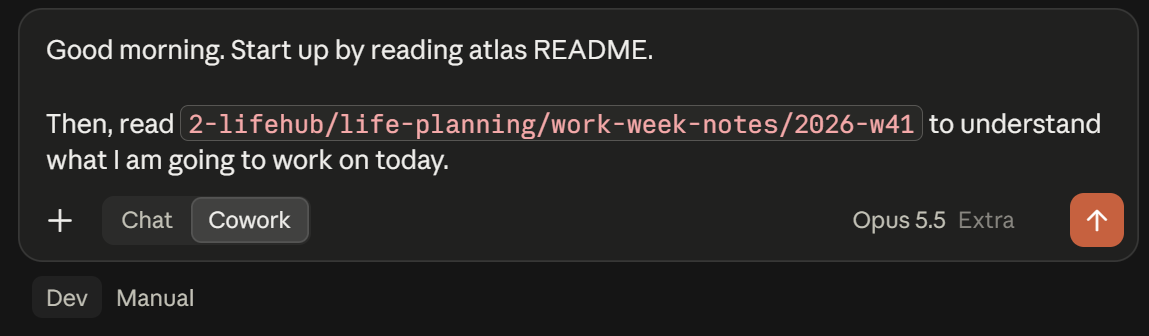
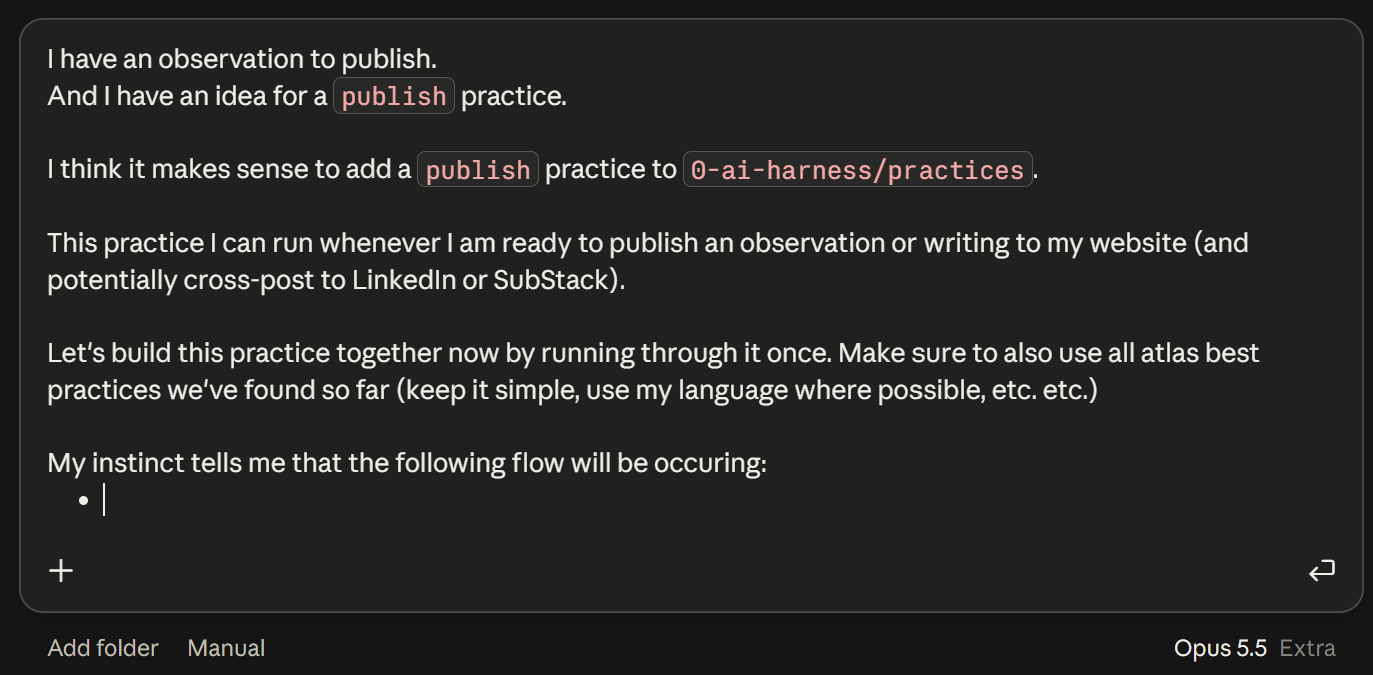
I regularly work with the assistant on atlas itself. Such as here where I build a new practice:
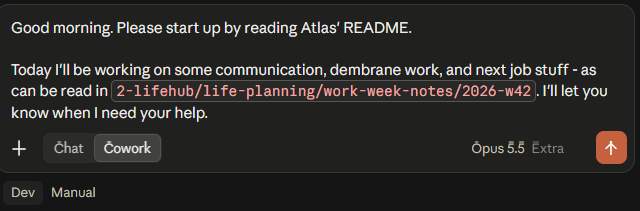
I start a day by having it warm up, such that it is ready when I need a task for it.
My review - atlas’ impact to my life
I like it a lot! 4.5/5 ⭐.
atlas allows me to work extremely organised and because of the great infrastructure (the harnas) I have a powerful AI assistant to my disposal at any task I work on. It has been the personal data transformation into an AI-inclusive future. And it is build in such a way that it has a private (self-hostable) and secure future.
FAQ
To come!
Footnotes
Footnotes
-
When looking up Karpathy’s tweet I found out that Karpathy built something like Atlas over this summer also! So that to me is a sign that this is indeed one of the best ways to personally work with the latest AI agents. Here is a video of someone explaining his method and thus introducing something like Atlas. ↩
-
Take a look at my framework for Life to exactly understand what I mean with “work”. ↩